








































 By
By
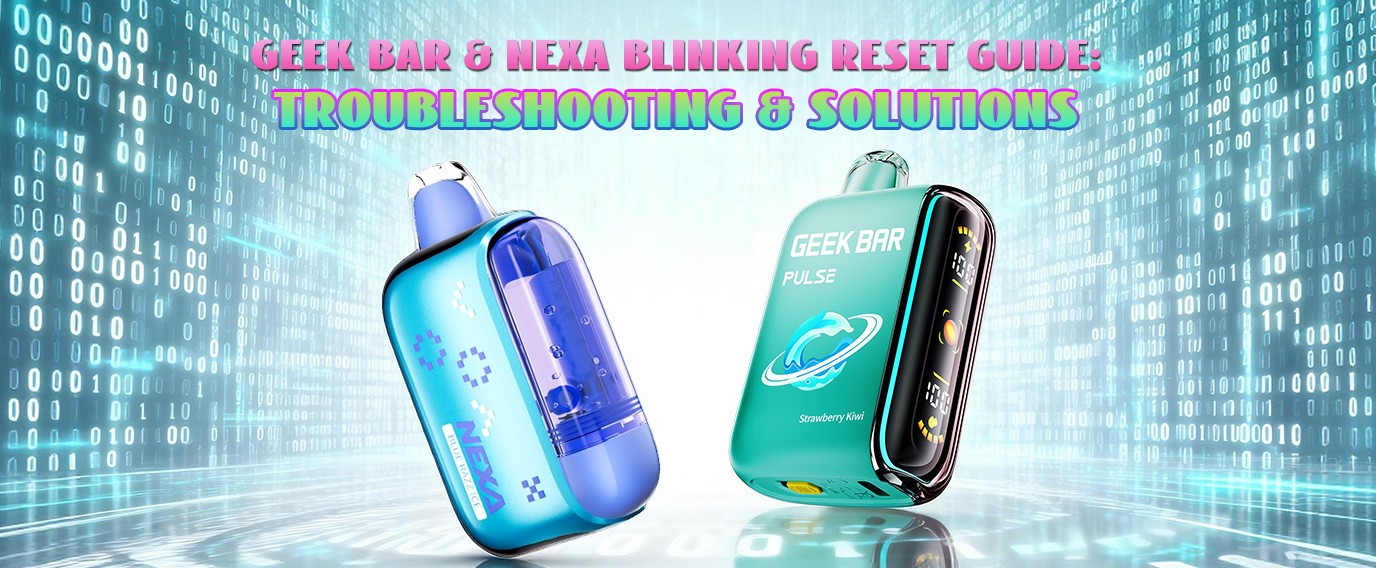
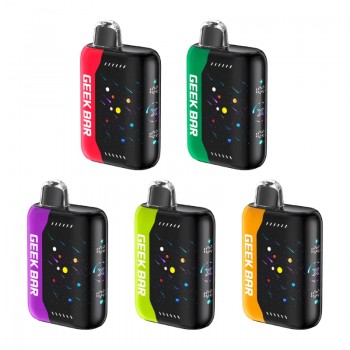
There is nothing more frustrating than unboxing a high-capacity disposable like the Geek Bar Pulse or Nexa N20000, only to have it blink back at you. While it might seem like a hardware failure, many "blinking" issues are actually safety features or minor sensor glitches.
Expert Insight: According to CASAA (Consumer Advocates for Smoke-free Alternatives Association), proper maintenance and understanding of electronic nicotine delivery systems (ENDS) significantly improve user experience and device reliability.
1. The Tech Inside: Product Feature Modules
Understanding the core specs helps identify why your device might be blinking. Both brands use dual-core processing to manage battery and e-liquid levels.
| Feature | Geek Bar Pulse 15000 | Nexa N20000 |
|---|---|---|
| Max Puffs | 15,000 (Regular) / 7,500 (Pulse) | 20,000 (Soft) / 12,000 (Turbo) |
| Battery | 650mAh (Type-C) | 800mAh (Type-C) |
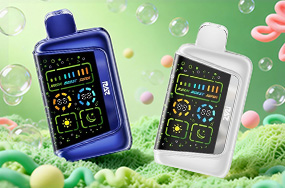
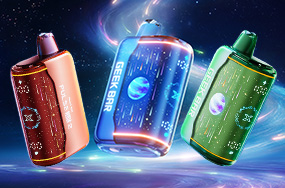
| Display | Full Screen (Rocket Animation) | LED Smart Screen |
| Core Tech | Dual Core Chip / Dual Mesh | Dual Mesh / Stepless Airflow |
Core Selling Points

- Geek Bar Pulse: Known for its "Pulse Mode" which boosts vapor production by 200%, using its dual-core chip to alternate between coils.
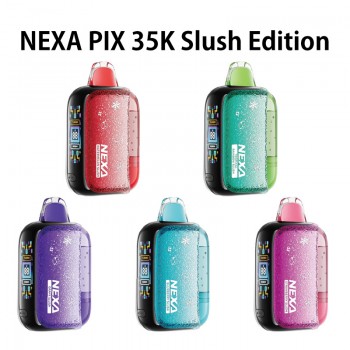
- Nexa N20000: High versatility with a stepless airflow slider, allowing users to switch between a tight MTL (Mouth-to-Lung) or a loose RDL (Restricted Direct Lung) draw.
2. Targeted Troubleshooting Solutions
The "Airflow Lock" Fix (Best for Nexa N20000)
Nexa devices rely on high-precision airflow. If the slider is fully closed or clogged with lint, the vacuum sensor won't trigger.
- The Fix: Open the airflow fully. Take a sharp, quick pull to "pop" the pressure sensor back into its active state.
The "Sensor Moisture" Fix (Best for Geek Bar Pulse)
Condensation can mimic a continuous pull, triggering the 10-second safety cutoff.
- The Fix: Blow firmly into the USB charging port. This clears internal moisture from the pressure switch without needing to disassemble the device.
SAFETY NOTICE: If your vape blinks and emits a "burnt plastic" smell, stop immediately. Refer to NFPA battery safety guidelines for the proper disposal of lithium-ion devices.
3. Quick Solution Summary
| Blink Pattern | Likely Cause | Pro Solution |
|---|---|---|
| Blinks 10 times | Low Voltage | Use a 5V/1A "slow" charger. |
| Blinks 3 times | Short Circuit | Tap the base against your palm. |
| Blinks on inhale | Overtime Cutoff | Try shorter, consistent 3-second draws. |





comments